Brought to you by

and

QR Code Phishing

What is QR Code Phishing?

QR code phishing is a scam where malicious QR codes direct users to fake websites or trigger downloads designed to steal login credentials, financial details, or personal information.

Physical QR code stickers can have malicious QR codes stuck on top of them. Digital QR codes can contain malicious links.


Examples

What forms can QR code phishing take?

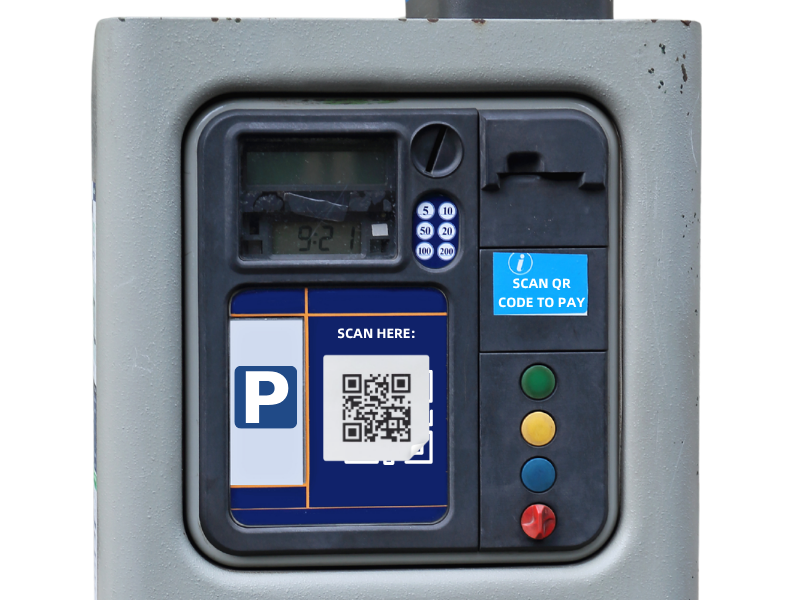
  • Fake parking payment codes – Fraudsters place stickers over legitimate QR codes on parking meters, directing you to a fake payment site
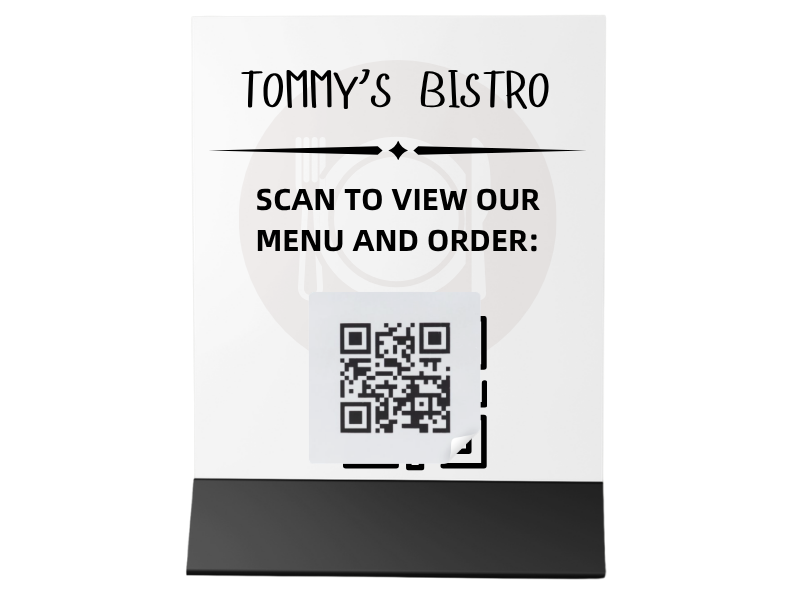
  • Restaurant menu scams – Malicious QR codes on tables link to phishing pages instead of real menus
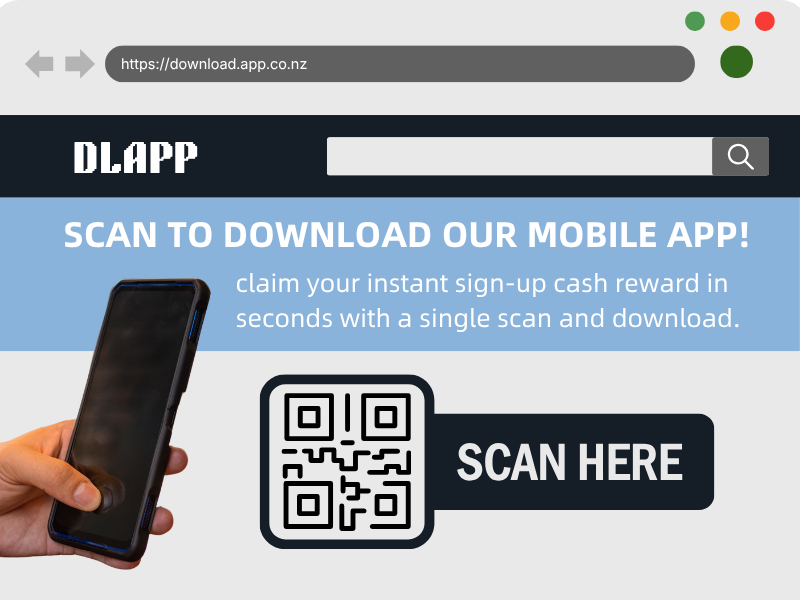
  • App download scams – Codes that lead to fake app pages or malicious downloads outside official app stores
  • Public posters or flyers – Codes advertising events, discounts, or giveaways that redirect to scam websites
  • Wi-Fi access scams – QR codes claiming to connect you to free Wi-Fi but instead harvest personal or login details
  • Parcel delivery notices – Cards or emails with QR codes claiming a missed delivery, leading to credential-stealing sites
  • Email QR codes – Instead of links, scammers embed QR codes in emails to bypass security filters and trick users into logging in


Stay Cybersmart

Tips to avoid QR code phishing

  • Pause before you scan – Treat QR codes like unknown links, especially in public places or unsolicited messages
  • Check for tampering – Look for stickers placed over original codes on parking meters, posters, or menus
  • Preview the link first – Many phones show the destination URL before opening—check it carefully for anything suspicious
  • Keep your device secure – Ensure your phone is updated and protected with security software where possible
  • Don’t enter sensitive information – Avoid logging in or entering payment details on sites opened via a QR code unless you fully trust the source
  • Use official channels instead – Go directly to a company’s website or app rather than relying on a QR code
  • Avoid downloading apps from QR codes – Only install apps from trusted app stores
  • Trust your judgement – If something feels unusual or too convenient, it’s worth double-checking before proceeding

If you’re a small business that utilises QR codes:

  • Use tamper-resistant placement – Print QR codes directly onto materials (not stickers where possible), or use tamper-evident labels and protective covers
  • Inspect regularly – Schedule routine checks of all physical QR codes (posters, tables, kiosks) to spot stickers, damage, or replacements
  • Use branded QR codes – Add your logo, colours, or design elements so customers can more easily recognise authentic codes, and make sure the destination link is clearly displayed

Need help?

Reach out to us, our local experts are here to help. 

Name