Unauthorised access scams involve attackers gaining access to your accounts, devices, or systems without permission. Often, through stolen credentials, phishing, or malware – in order to steal data, commit fraud, or carry out further attacks.
Unauthorised access scams are constantly evolving – this is just some of the common forms they can take.
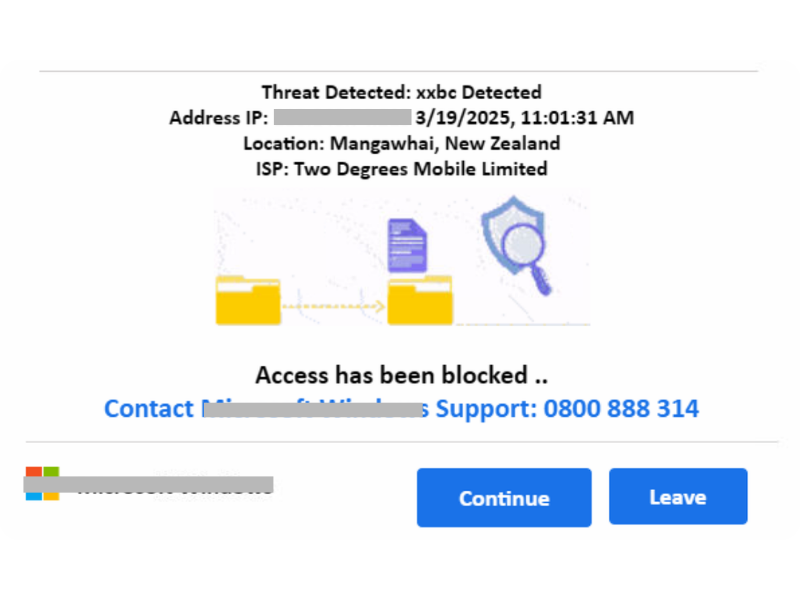
Remote access scams – Victims are convinced to install software that gives scammers control of their device. The victim calls the number on the screen, and the scammer convinces them to install a remote access tool to resolve the non-existent issue, which can lead to incredibly damaging compromises.
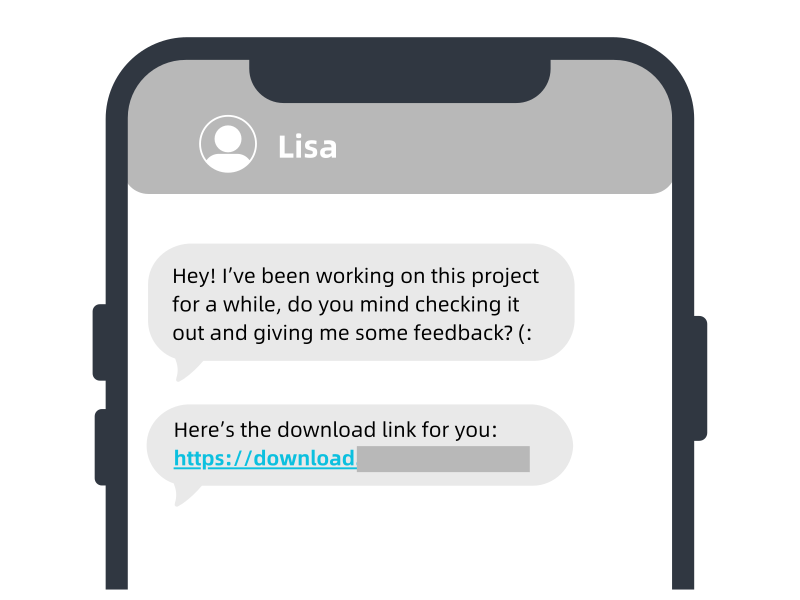
Token logging malware – Scammers send victims and innocent-looking requests, such as checking out a vague project they’ve been working on or a game, which prompts the victim to download it and unknowingly install malware that can hijack their current online sessions without needing any of their login information.
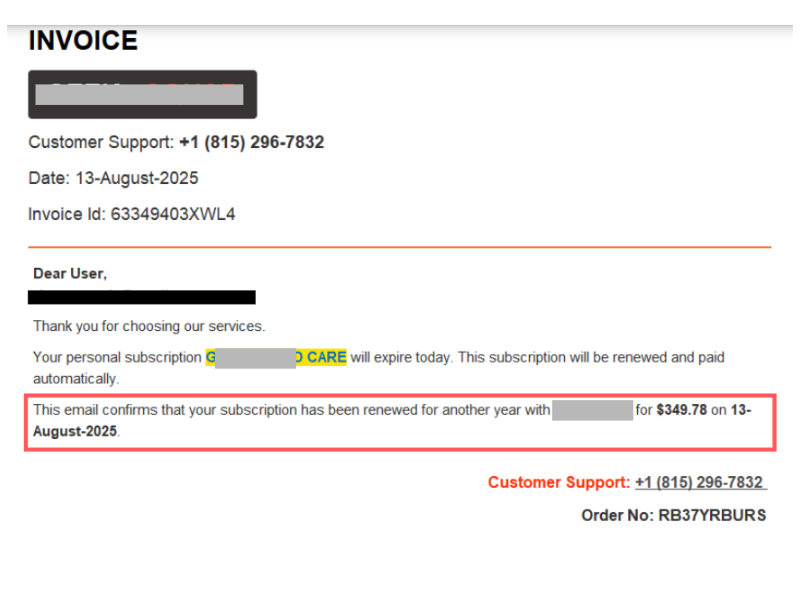
Business email compromise (BEC) – Attackers access or spoof business email accounts to send fraudulent payment requests, or PDFs that contain malware unknowingly downloaded once the victim opens it.
Fake Wi-Fi networks – Users connect to rogue/public networks that capture login details and online activity while using it.
Keyloggers – Malicious software records keystrokes or steals data to capture login credentials, this can happen on any website, even legitimate ones if they have a security flaw that is being exploited.
Stay Cybersmart
Tips to avoid Unauthorised Access scams
Keep systems patched and protected – Update OS/apps promptly and run reputable security software to block malware and keyloggers
Beware of odd requests – Even if you know the person contacting you, and it is from their account, if they are requesting something strange from you that puts your system at risk, or acting outside of their normal behaviour, trust your gut. Their account may be compromised, find another way of contacting them.
Avoid risky networks for sensitive access – Don’t log into important accounts on public Wi-Fi; use a trusted network or VPN
Review access and permissions regularly – Remove unused apps, revoke unknown sessions, and audit connected accounts – make sure to do a security check of your passwords and login credentials and whether they have been leaked in a breach.
Be wary of remote access requests – Legitimate organisations do sometimes use remote software tools for convenience to assist in resolving issues; however, look out for the following red flags:
Out of country phone numbers
There is no form of contact provided other than a phone number
The “support agent” is accessing your personal files, folders, or accounts
They demand and insist on payment over the phone, or take you through to payment themselves
Unconventional payment methods i.e direct bank transfer, gift cards, cryptocurrency etc.
They black out your screen and don’t tell you what they are doing
If you suspect that the remote access is illegitimate, or something you have just done might have been an Unauthorised access scam, follow these steps:
Disconnect the internet
Delete any remote access tool or app/file you have been prompted to install
Run a comprehensive scan on the device
You can reconnect to the internet if the scan is clear
If the scan is not clear, you can reach out to a local technician or trusted source for further assistance